Workflows
Free RAW Video Player for Windows and Mac
Play RED R3D, Blackmagic RAW and ProRes RAW files in FrameQuery. Free local playback, Open with support and browsing from scanned folders.
FrameQuery plays RED R3D, Blackmagic RAW (BRAW) and Apple ProRes RAW on Windows and macOS. Playback is free. Open a file from Explorer or Finder, or play clips from folders already scanned into your library.
Download FrameQuery for Windows or macOS. The macOS download is for Apple Silicon Macs.
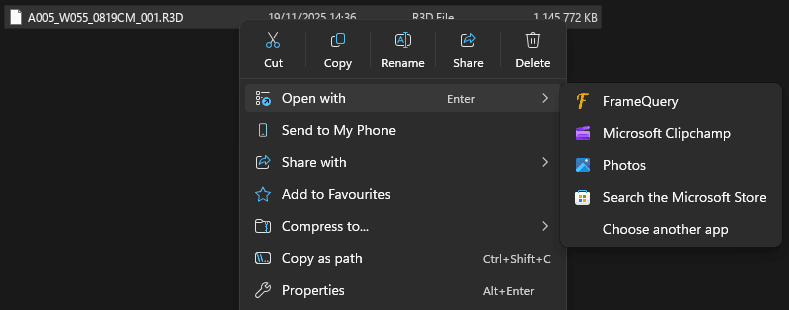
Open a RAW video on Windows
- Install FrameQuery.
- Find the video in File Explorer and right-click it.
- Select Open with, then FrameQuery.
The video opens in the FrameQuery player. If FrameQuery is missing from the list, select Choose another app and locate it.
On macOS, right-click the video in Finder and select Open With > FrameQuery.
R3D, BRAW and ProRes RAW playback
| Camera format | File type |
|---|---|
| RED R3D / REDCODE RAW | .r3d |
| Blackmagic RAW / BRAW | .braw |
| Apple ProRes RAW and ProRes RAW HQ | .mov |
ProRes RAW and standard ProRes both use MOV files. FrameQuery reads the codec inside the file when opening it. The format compatibility page lists the other supported video and audio formats.
Play videos from a scanned folder
Videos in scanned folders are available through Media Manager. Open a clip from the library to play it.
Folder scanning adds the videos to your library. You can browse and play them before running AI analysis.
Drag a video into FrameQuery
Dragging a video onto the app opens an import dialog. You can also drop a folder, or several videos at once.
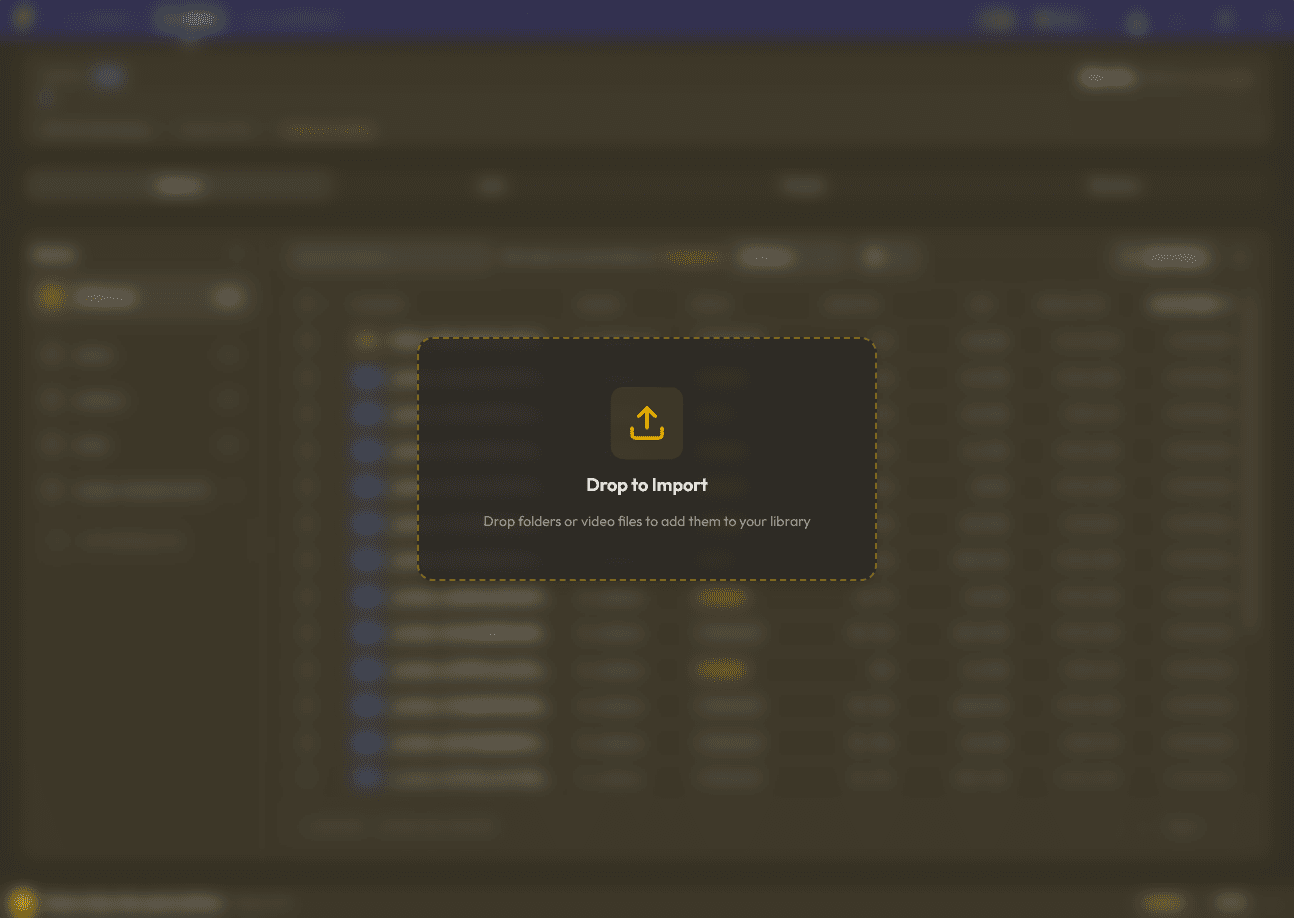
Add parent folder as source is switched on by default. For a single video, the parent folder is the folder containing that file.
- Drop the video into FrameQuery.
- Check the folder path in the Import Videos dialog.
- Leave Add parent folder as source on to add that folder to your sources.
- Click Import & Scan.
FrameQuery scans the folder and adds its supported videos to the library. The source remains available for later scans.
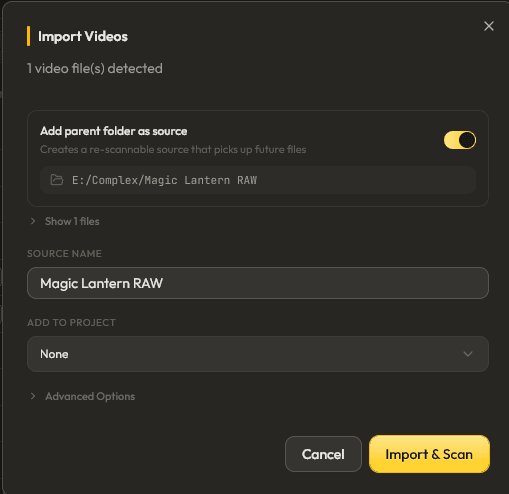
To import only the dropped video files, switch Add parent folder as source off before confirming the import.
Playback and AI indexing
Opening videos, scanning folders and local playback are free. AI indexing is optional and uses processing hours. Indexed footage can be searched by dialogue, people or descriptions of a shot. View processing plans.
Download FrameQuery for Windows or macOS.
Related articles
More in Workflows